
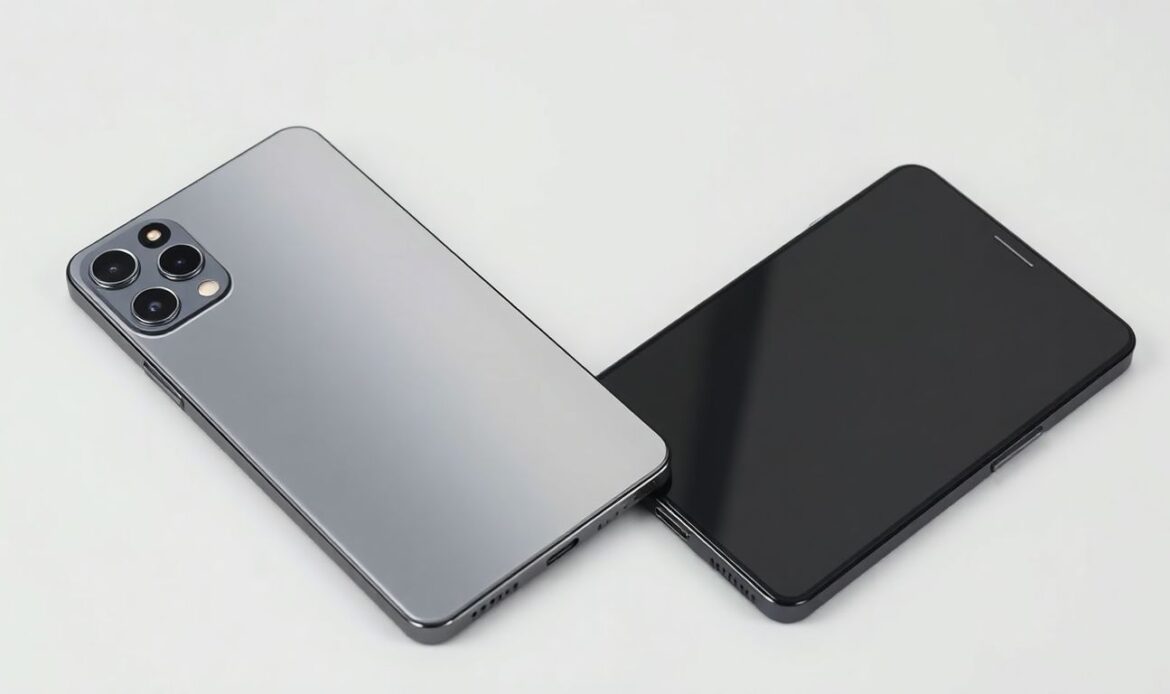
Have you ever felt that sinking feeling? Imagine buying a new smartphone, excited to use it, only to realize later it’s a fake. Sarah thought she got a great deal online. She soon found out the phone’s camera barely worked, and it kept freezing. Now, she’s stuck with a useless device and an empty wallet.
Unfortunately, fake smartphones are increasingly common today. Many dishonest sellers aim to trick buyers into purchasing counterfeit devices, often mimicking well-known brands. Using a cloned or fake device not only puts your hard-earned money at risk but also exposes you to security breaches, privacy issues, and a frustrating user experience.
If you’re searching for a mobile repair near me or a phone repair shop near me, chances are you’ve come across someone who unknowingly bought a fake phone. This guide will help you protect yourself with expert tips on how to identify counterfeit smartphones and make sure you’re buying the real deal.
📦 Examine the Physical Appearance and Build Quality
Check the Packaging and Accessories
The packaging is your first line of defense when spotting a fake phone. Counterfeit devices often come in poorly printed boxes with incorrect branding, spelling errors, and low-resolution graphics.
- Compare with official packaging – Visit the brand’s website or Cellphone Fix’s Repair Page to see genuine packaging images.
- Material matters – Real phone boxes are sturdy and premium, while fake ones are flimsy and cheap.
- Accessories quality – Chargers, cables, and earphones included with counterfeit phones often look different and may feel lightweight or unsafe.
- Documentation – Official phones come with branded manuals. Counterfeit ones may include vague or poorly translated guides.
Looking for phone screen repair Edmonton? We’ve had multiple cases at CellphoneFix.ca where customers brought in phones that turned out to be fake, and it all started with poor packaging.
Assess the Build Quality and Materials
Counterfeit phones often cut corners on materials. Even a quick feel in your hand can reveal the difference.
- Misaligned parts – Buttons, ports, and cameras should be perfectly aligned.
- Weight and feel – Real smartphones tend to feel solid due to premium materials like glass and aluminum.
- Brand markings – Examine logos closely. A fake may use altered or misspelled branding.
- Button feedback – If the buttons feel mushy, wobbly, or don’t respond well, it’s a red flag.
These simple checks can prevent unnecessary trips to your local phone repair shop near me and save you from major disappointment.
Inspect the Screen and Display
The screen is one of the most noticeable giveaways.
- Resolution – Real devices offer crisp, vibrant displays, while fakes may be pixelated or dull.
- Viewing angles – Tilt the phone; authentic devices maintain clarity, whereas fakes distort colors.
- Dead pixels or flickering – These are common in cloned phones and affect usability.
If you’re not sure whether a screen issue is due to damage or a fake phone, visit our phone screen repair Edmonton experts for a proper inspection.
🛠 Analyze the Software and Performance
Even if the phone looks good on the outside, the inside often tells a different story.
Verify the Operating System and User Interface
Counterfeit phones frequently use customized Android versions designed to mimic official ones.
- Check the Android version – Go to Settings > About Phone. Compare with the manufacturer’s official OS release.
- Suspicious apps – Spyware and bloatware often come pre-installed.
- Software updates – Genuine phones receive regular updates. If the update section is missing or non-functional, it’s a fake.
- Settings inconsistency – Missing options or unfamiliar menu structures are a warning sign.
Test the Performance and Speed
Fake phones often use low-quality hardware, making them sluggish.
- Benchmark tests – Use apps like Geekbench or AnTuTu to verify performance.
- Multitasking lag – Try switching between multiple apps. A real phone should handle this smoothly.
- Gaming – Counterfeit phones often crash or overheat during intensive games.
Frequent lags or crashes? Visit CellphoneFix.ca to get your phone tested by professionals before assuming it’s real.
📷 Examine the Camera Quality
Camera specs are one of the most overhyped areas in fake smartphones.
- Low-quality photos – Even if a phone claims to have a 48MP camera, blurry or dull photos indicate otherwise.
- Missing camera features – Modes like portrait, night, or wide-angle are often absent or non-functional.
- Slow shutter speed – Delays when taking photos are common in cloned phones.
Want to trade in your phone because of camera issues? Visit our trade-in page to check your eligibility and get a fair price.
🔍 Check the IMEI and Serial Number
Verifying the IMEI (International Mobile Equipment Identity) is one of the most reliable ways to identify fake smartphones.
Locate the IMEI Number
- Dial *#06# to view your IMEI.
- Find it under Settings > About Phone.
- It’s often printed on the SIM tray or back of the device.
Verify the IMEI Online
- Use websites like IMEI.info to confirm whether the number matches the device model.
- Discrepancies usually mean the phone is fake or cloned.
Inspect the Serial Number
The serial number can also be verified on the manufacturer’s website. If in doubt, contact customer support or a trusted phone repair shop near me like CellphoneFix to help you confirm.
💸 Consider the Price and Seller Reputation
If it seems too good to be true, it probably is.
Be Wary of Significantly Low Prices
- Do your research – Check the price from the manufacturer or authorized dealers.
- Discount traps – Avoid falling for fake “flash sales” or “clearance deals” on unfamiliar websites.
Check the Seller’s Reputation and Reviews
- Buy from trusted stores – Always prefer authorized retailers or reputed platforms.
- Read reviews – Negative reviews or missing reviews are red flags.
Request Proof of Purchase and Warranty
- Invoice and warranty – Authentic phones always come with a purchase receipt and manufacturer’s warranty.
If you’ve already bought a questionable device, our team at CellphoneFix.ca can help assess it and suggest the best course of action, whether that’s repair, trade-in, or replacement.
✅ Final Thoughts
Spotting a fake smartphone requires careful attention to both physical and software-related details. From packaging and performance to camera quality and IMEI verification, each element gives clues to the phone’s authenticity. With this guide—and support from trusted experts at Cellphone Fix in Edmonton—you can avoid scams and make smart purchases.
If you’re ever in doubt, whether for mobile repair near me, phone screen repair Edmonton, or even trading in a questionable device, reach out to us at www.cellphonefix.ca. We’re here to help you make the right call.